May 22, 2026 • 4 min read
Things to Take Care of While Building a Mobile App
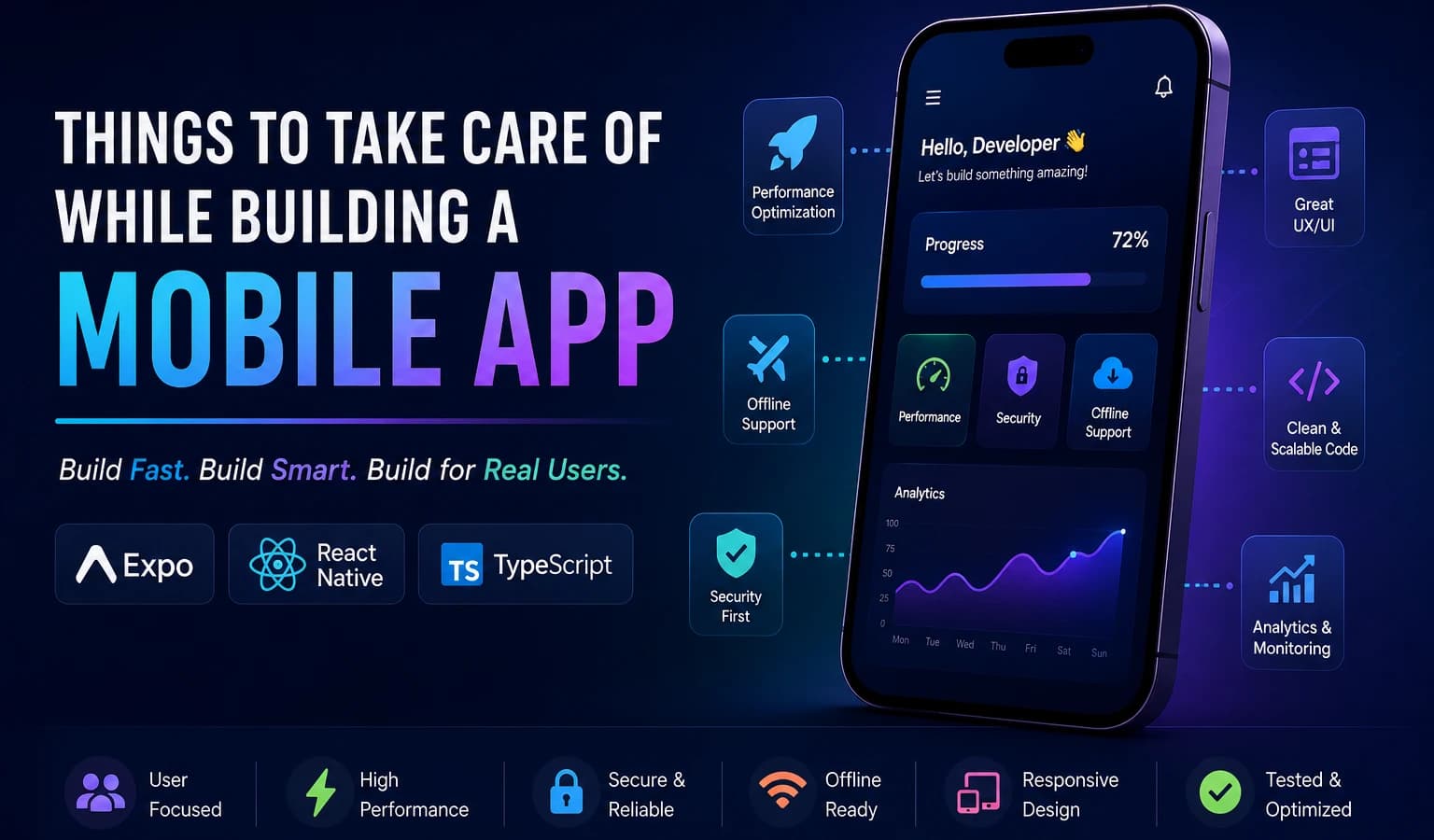
When building a mobile app — especially with your stack like **Expo + React Native** — there are some important areas you should plan from the beginning. A lot of apps fail not because of features, but because basics are ignored.
Things to Take Care of While Building a Mobile App
When building a mobile app — especially with your stack like Expo + React Native — there are some important areas you should plan from the beginning.
A lot of apps fail not because of features, but because basics are ignored.
1. User Experience (Most Important)
If the app feels confusing or slow, users uninstall it quickly.
Take care of:
- Simple navigation
- Fast loading screens
- Smooth animations
- Consistent colors/fonts
- Large touchable buttons
- Mobile-first layout
- Dark mode support
- Proper spacing
For projects like Lexa or NoteMentor:
- Keep onboarding short
- Reduce too many clicks
- Show progress/loading states
- Make screens clean, not crowded
2. Performance Optimization
Mobile devices have limited RAM, CPU, and battery.
Avoid:
- Too many re-renders
- Heavy images/videos
- Unoptimized FlatLists
- Huge bundle size
Important things:
- Use
FlashListinstead ofFlatListfor large data - Lazy load screens
- Cache API responses
- Compress images
- Use pagination
Use memoization carefully:
React.memouseMemouseCallback
3. Offline Support
Many Indian users have unstable internet.
Important:
- Cache important data locally
- Queue actions offline
- Sync when internet returns
- Show connection status
Useful tools:
- AsyncStorage
- MMKV
- SQLite
- Realm
For learning apps:
- Download notes/videos
- Offline quizzes
- Offline progress tracking
4. Security
Never ignore this.
Take care:
- Store tokens securely
- Use HTTPS only
- Validate backend APIs
- Encrypt sensitive data
- Prevent exposing API keys
- Use authentication properly
Use:
- Expo SecureStore
- JWT refresh tokens
- Rate limiting backend
- Input validation
Never:
- Hardcode secrets
- Store passwords locally
- Trust frontend validation only
5. Scalability
Even if the app is small now, structure it properly.
Use:
- Clean folder structure
- Reusable components
- Modular architecture
- Separate UI/business logic
Good practice:
services/
hooks/
store/
components/
features/
Since you already work with microservices ideas, this will help later.
6. State Management
Bad state management makes apps messy fast.
Choose wisely:
- Zustand → simple & fast
- Redux Toolkit → large apps
- React Query/TanStack Query → server state
Avoid:
- Passing props everywhere
- Giant Context APIs
7. API & Backend Planning
Frontend problems often come from poor APIs.
Take care:
- Proper API versioning
- Pagination
- Error handling
- Retry mechanism
- Loading states
- Rate limiting
Always design:
- Success response
- Error response
- Empty response
8. Responsive Design
Your app should work on:
- Small Android phones
- Tablets
- Different resolutions
Use:
- Flexbox
- Percentage widths
- Responsive font scaling
- SafeAreaView
Avoid fixed heights everywhere.
9. Accessibility
Many developers ignore this.
Important:
- Readable text size
- Proper contrast
- Screen reader labels
- Touchable area size
This improves usability for everyone.
10. Notifications & Permissions
Don’t annoy users.
Ask permissions:
- Only when needed
- With explanation
Bad:
- Asking 5 permissions at launch
Good:
- Ask when the feature is used
11. App Store Readiness
Before publishing:
Checklist:
- App icon
- Splash screen
- Privacy policy
- Terms & conditions
- Screenshots
- Performance testing
- Crash testing
For Android:
- Test on low-end devices
12. Analytics & Crash Monitoring
You need to know what breaks.
Use:
- Firebase Analytics
- Crashlytics
- Sentry
Track:
- Screen usage
- Errors
- User drop points
- API failures
13. Battery & Data Usage
Important in India.
Avoid:
- Constant background tasks
- Heavy polling
- Huge downloads
Optimize:
- Images
- Videos
- API calls
14. Testing
Always test:
- Slow internet
- No internet
- Low battery
- Background/foreground switching
- Different screen sizes
Most bugs appear here.
15. Code Quality
Future-you will thank you.
Use:
- TypeScript
- ESLint
- Prettier
- Environment configs
- Reusable hooks/components
Write readable code, not smart code.
16. Think About Real Users
This matters most.
Ask:
- Why will users open this daily?
- What pain is solved?
- Is onboarding understandable?
- Can illiterate users understand UI?
- Is the app usable with poor internet?
For job/location-based ideas:
- Use icons more than text
- Voice support can help
- Hindi/Hinglish support is valuable
Recommended Architecture
Since you prefer Expo + scalable apps:
Frontend
- Expo
- React Native
- TypeScript
- Zustand
- TanStack Query
- MMKV
- React Hook Form
Backend
- Node.js
- Express/NestJS
- PostgreSQL/MongoDB
- Redis
- JWT Auth
Biggest Mistakes Beginners Make
- Building too many features first
- Ignoring performance
- No backend planning
- No loading/error states
- Hardcoded values
- Poor folder structure
- No reusable components
- No offline handling
Simple Rule
A good mobile app should be:
- Fast
- Simple
- Stable
- Offline-friendly
- Easy to understand
- Battery efficient
- Secure